

You’ve built your app. You’re ready to share it. Now, how do you deploy it?
Deploy with a Prompt
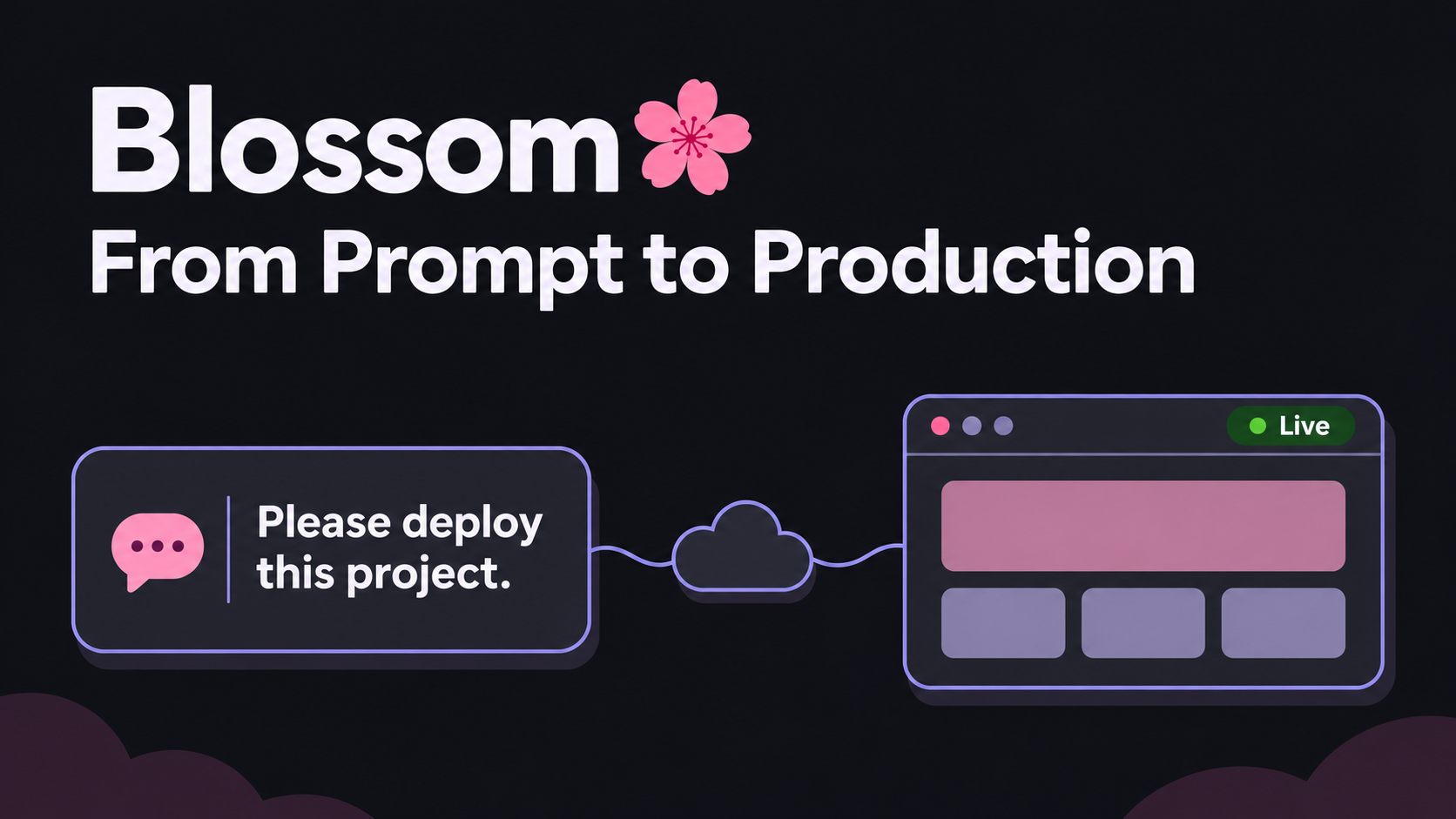
With Blossom, it’s as simple as a prompt.
Open your project in your coding agent. Once you’ve installed the Blossom CLI and skill and signed in, ask:
Please deploy this project.
The agent checks the app and shows you the plan. You approve the deployment and get a URL. It can work through databases and settings with you in the same conversation.
When your next change is ready:
Deploy my latest changes.
The agent deploys to the existing Environment. The deployment guide covers the details.
It’s quite a beautiful thing: prompt and deploy. At times, it almost feels magical.
Why Consider Blossom?
You have plenty of options, and AI makes setting up a server much easier nowadays. An agent can install Docker, configure a database, and deploy your app, but you still handle maintenance, upgrades, server failures, and scaling. For some people, that’s fine. Others would rather have a platform like Blossom handle that ongoing work:
- Auto-healing: replaces broken containers and failed servers, then restores the affected workloads.
- Autoscaling: automatically scales services and adds capacity when you need it.
- Automatic capacity optimization: moves app capacity and idle build servers onto cheaper eligible machines as they become available.
- Backups and recovery: manages scheduled database backups and recovery.
- Maintenance and upgrades: handles server security updates and supported PostgreSQL minor releases.
- Support: reach out to someone if you need help.
These chores can become another project. Blossom handles them so you can spend more time building your apps.
Auto-Healing: What If You Accidentally Delete a Server?
Here’s a simple question to ask when choosing a platform: What happens if I accidentally delete a server? Am I in for a headache or a long night? Will my platform handle recovery automatically?
This is one of the cool things about Blossom:
- Accidentally deleting a server doesn’t mean you have to rebuild it. Blossom detects the missing server and provisions a replacement.
- The same applies to managed PostgreSQL. With its separate storage intact, Blossom can replace a missing database server and restore access to the data. Database recovery is part of managing the service.
It helps you sleep at night.
Less Server Shopping: Cheaper Capacity Without Watching for Stock
The cheapest server sizes aren’t always available when you need to deploy. Getting a cheaper size later means watching for stock, provisioning replacements, moving the apps, and removing the old servers.
Blossom watches availability and moves app capacity and idle build servers onto cheaper eligible sizes, keeping the same allocated capacity. And it does this automatically.
We want to save money too, and we appreciate the savings on our own apps running on Blossom. With Blossom BYOC (bring your own cloud), those provider savings go directly to you; Blossom’s management charge stays the same. See automatic server optimization.
Pricing
Let’s be honest about the economics. Blossom isn’t going to beat free. A small server you manage yourself can also cost less when you’re starting out.
Other platforms’ tiny containers can make the starting price look very cheap. But that only helps if your app fits in it. Check what you’ll pay for the sizes you actually need. As your app grows and needs more memory, replicas, or workers, the platform premium can add up quickly.
Count the full setup: web app, workers, database, storage, backups, and time spent looking after them. That’s what Blossom is built to make affordable.
2 web replicas, a worker, a scheduler and PostgreSQL.
50 GB storage · 100 GB outbound traffic · 3 engineers.
Estimated USD per 30 days, before tax.
-
Blossom BYOC + Hetzner Early Bird credit included $25–$75
-
Blossom Cloud · Hetzner EU On demand capacity $103
-
Railway Pro Usage-based $77–$238
-
Northflank Cloud $156
-
Render Pro $226
-
Vercel Pro Functions + Neon · 3 seats $258
-
Heroku · Cedar 4 Performance-M + Standard-0 $1,050
Solid bars show the lower estimate; lighter extensions show the range.
BYOC: includes Hetzner EU infrastructure and the fully available $20 monthly Early Bird credit for 12 credit months. Standard Blossom fees apply afterward.
Blossom uses Shared PostgreSQL. Cloud: On demand capacity; Automatic can reserve extra billable capacity.
Builds, hosted image and backup storage, and rollout capacity are extra where charged. Illustrative configurations; performance, availability, and included services differ. Full assumptions and calculation.
Pricing page snapshot · November 16, 2026.
Use the pricing calculator to compare the setup you need.
Who Is Blossom For?
If you don’t want to manage servers, want reasonable prices, and need a platform that can grow with your apps, give Blossom a try. That’s who we’re building it for.
Start on Blossom Cloud if you want Blossom to supply the infrastructure. Or choose Blossom BYOC (bring your own cloud) if you’d rather use your own cloud account and keep the savings from cheaper provider capacity. The app workflow stays the same.
With our Early Bird offer, the first $20 a month in management fees is on us for your first 12 credit months.
Bring one of your projects, or follow a Quickstart to see how it works. I’d like to hear how it goes.